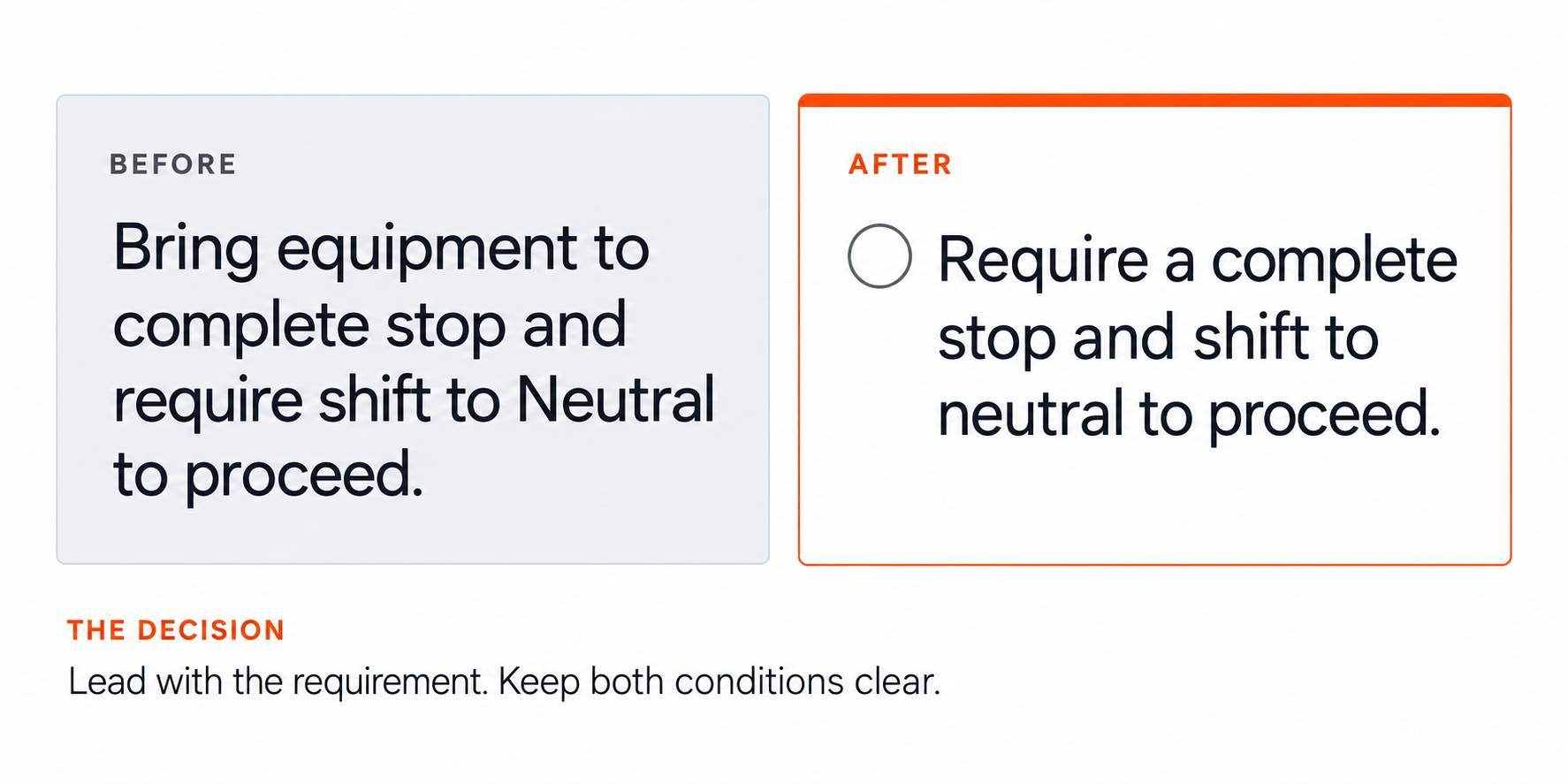
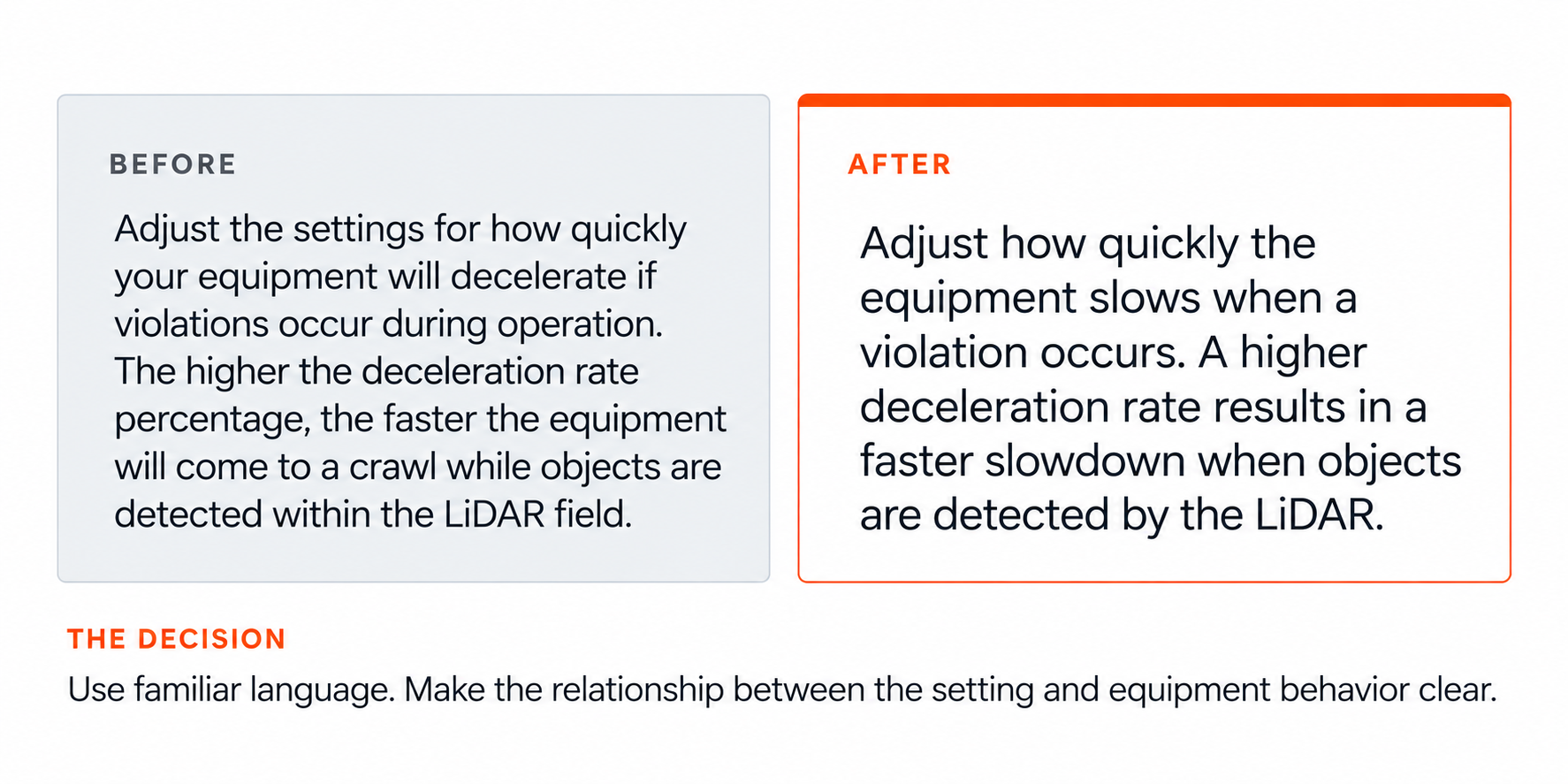
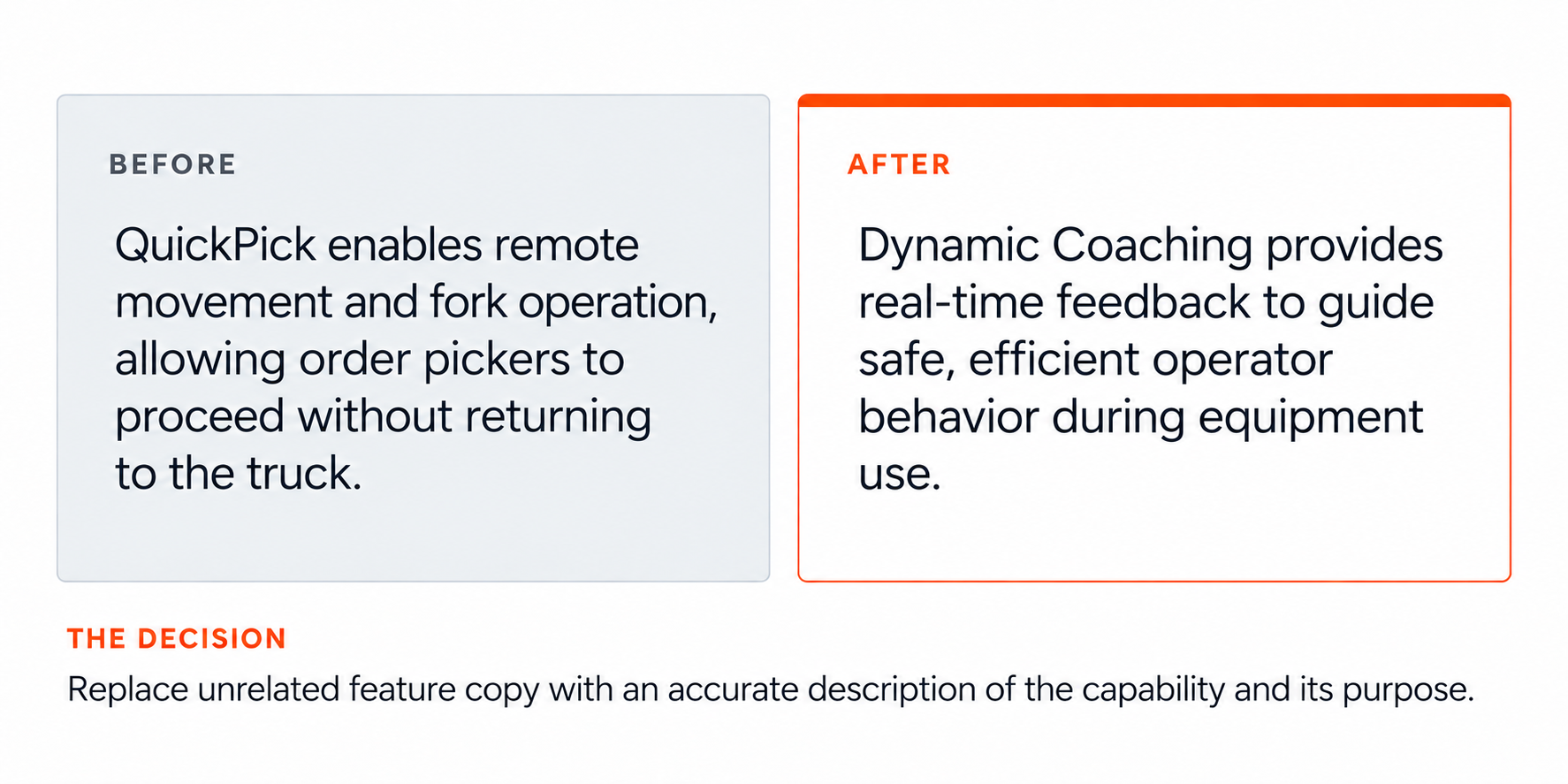
Writing and content design highlights
A quick look at my writing and the thinking behind it, from interface guidance and conversational AI to accessible language and reusable content patterns.
Content decisions
Selected examples showing how I make complex product experiences clearer, more usable, accessible, and consistent.
Interface content
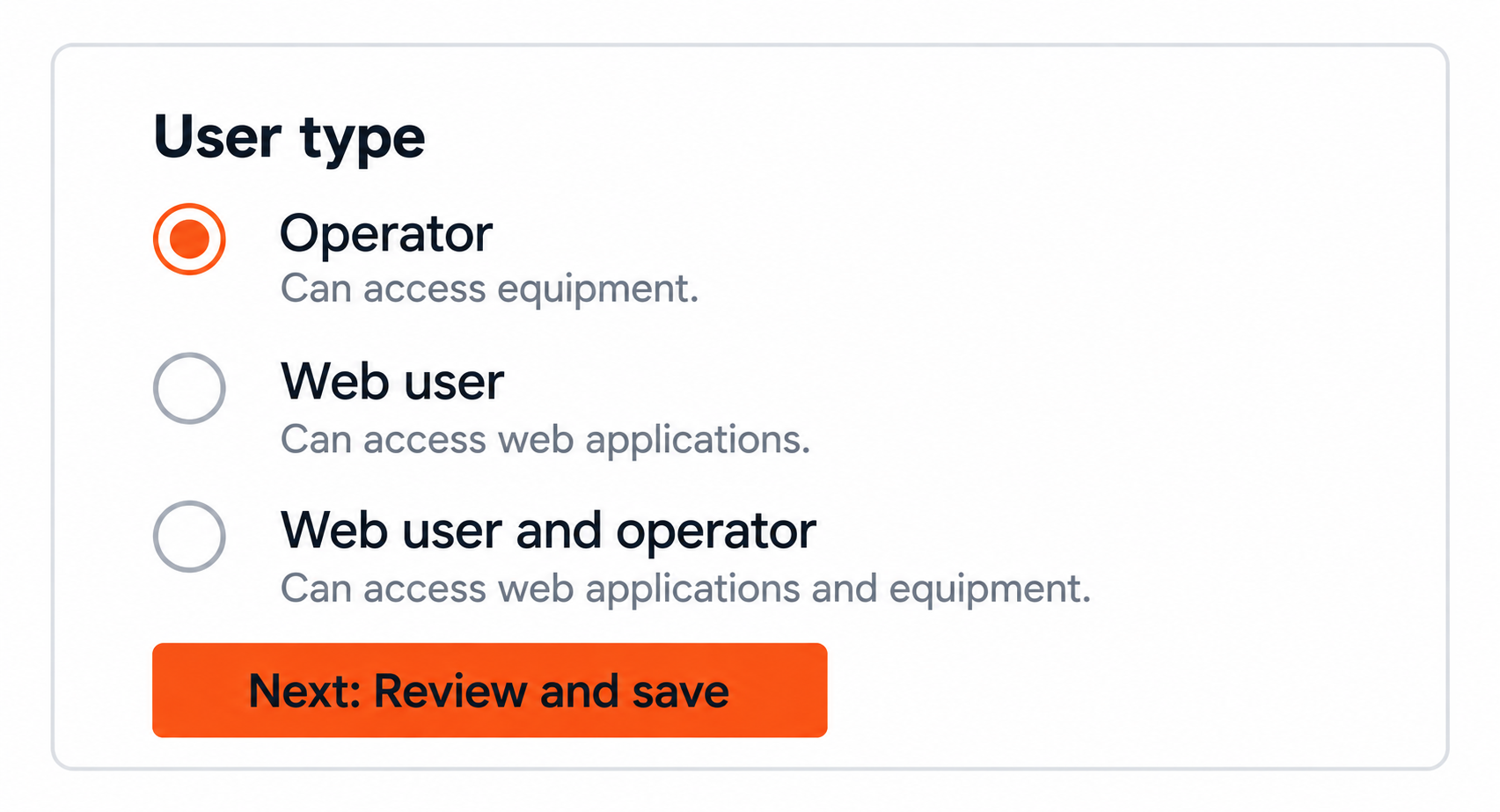
Clear labels, helpful guidance, and descriptive actions that make complex workflows easier to complete.
Help Center content
How to add a department
Step-by-step instructions to add a department in the People application.
Log in to the InfoLink desktop site.
Select the People application on your Home screen.
Select the Departments tab at the top of the screen.
Select Add department to add a department.
Enter the department details. Required fields are marked with an asterisk.
Select Cancel to discard your changes, or select Review summary and save to create the department.
Task-based articles and in-product guidance designed for findability, scannability, and successful task completion.
Accessibility
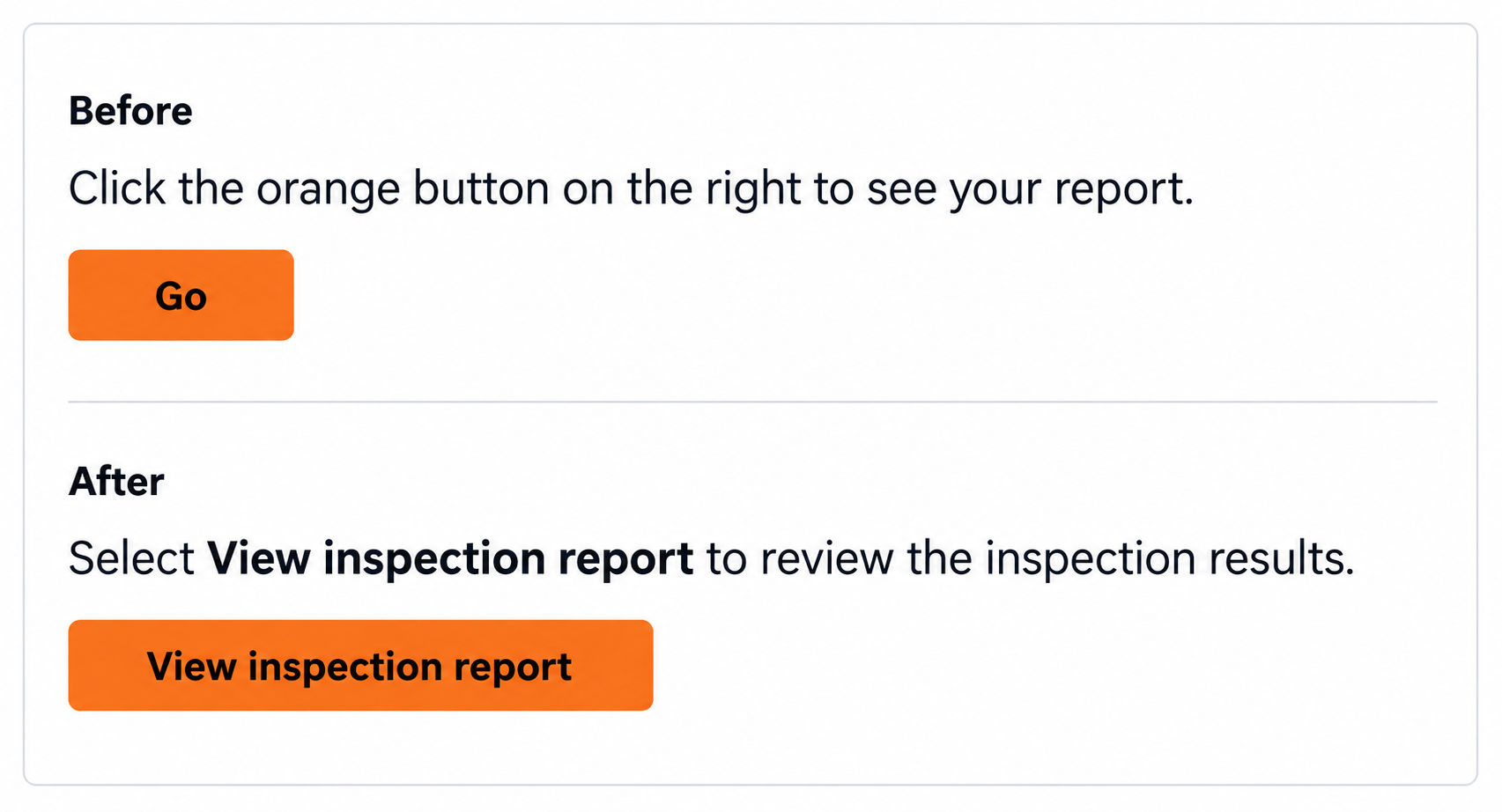
Plain, device-neutral, and translation-ready content designed to support different users, languages, and ways of interacting.
Error messages
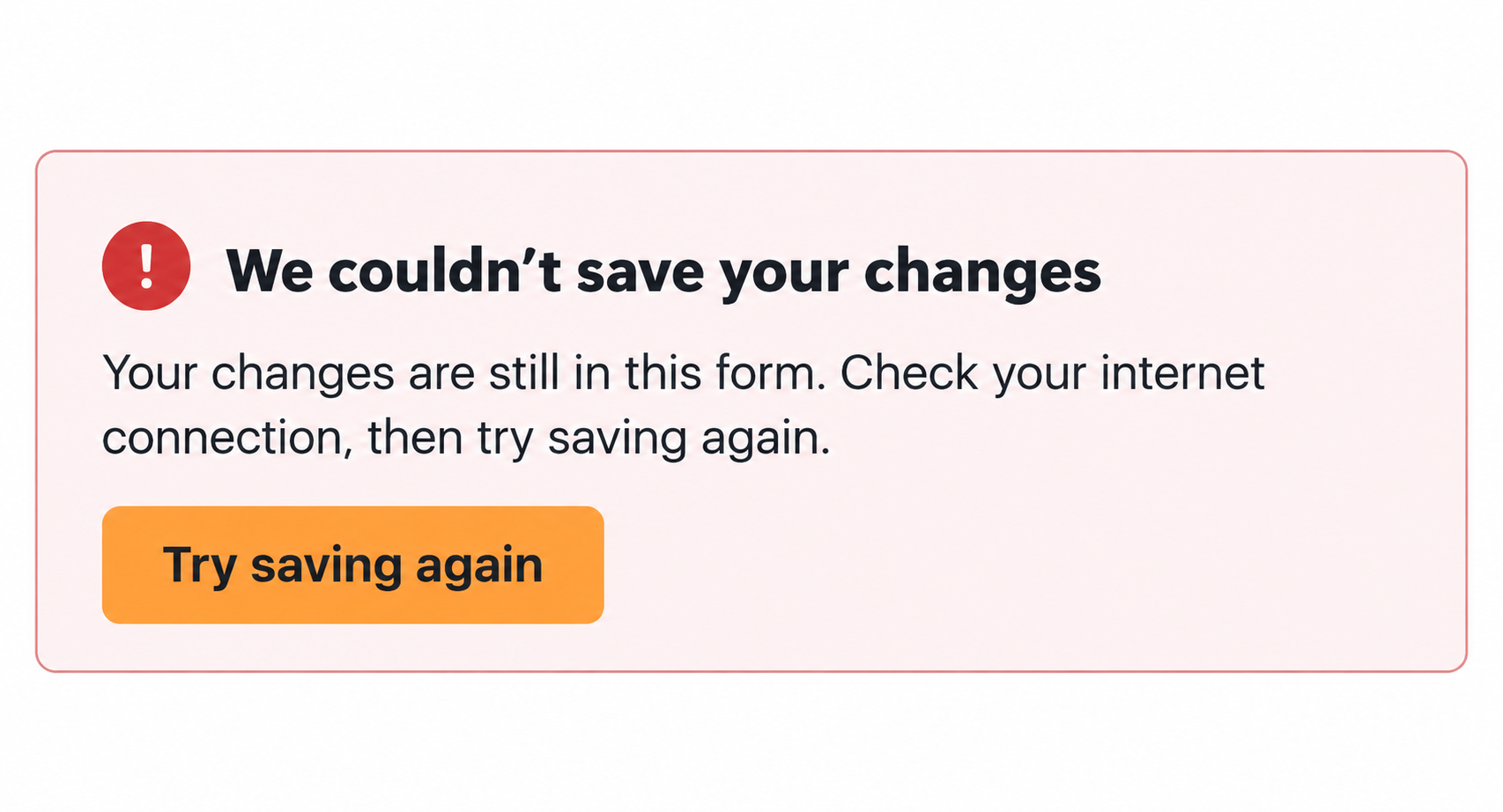
Actionable messages that explain what happened, what users can do next, and how to recover.
Conversational AI
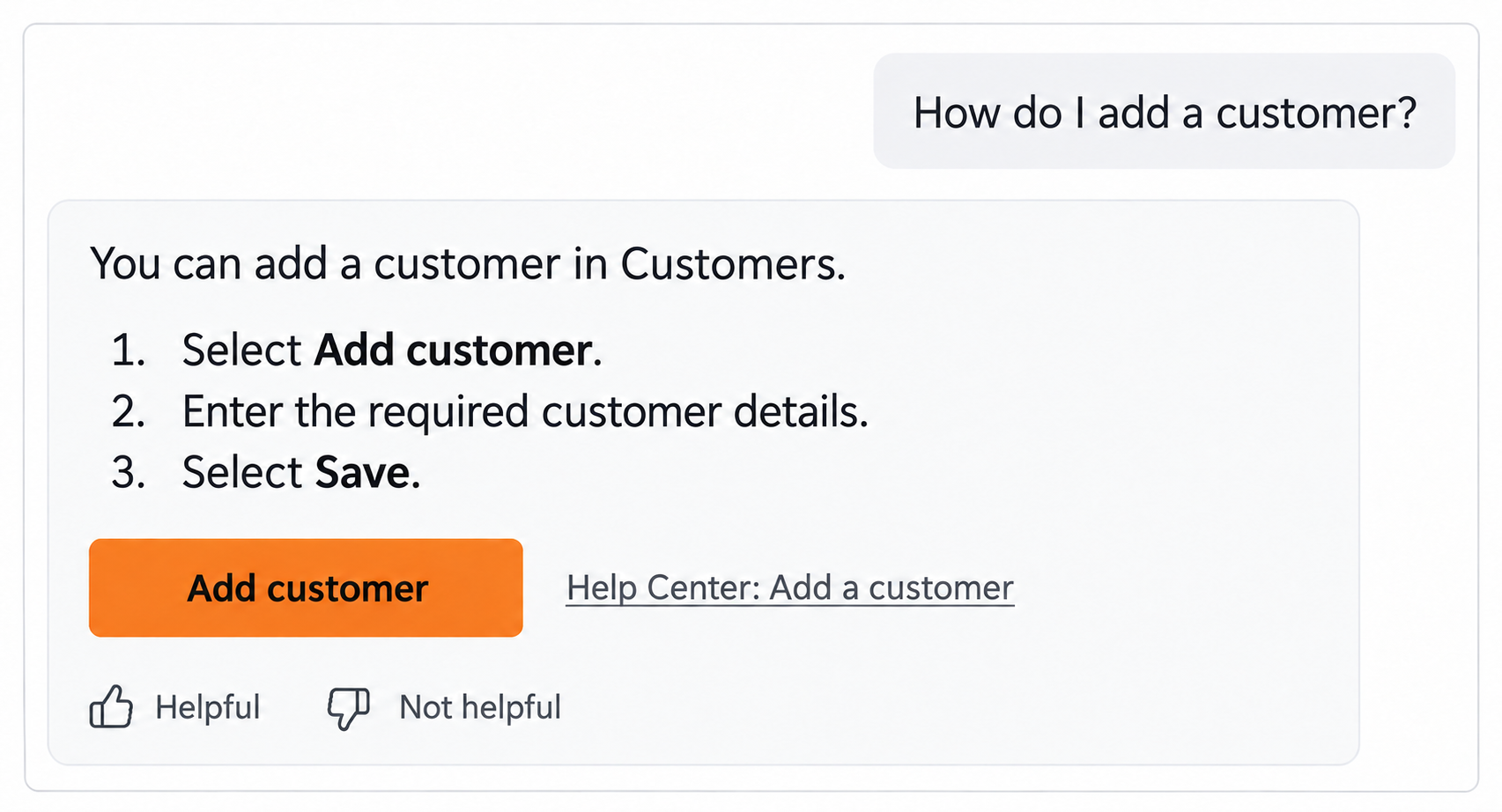
Suggested prompts, structured responses, feedback controls, and transparent recovery patterns for trustworthy AI interactions.
Content systems
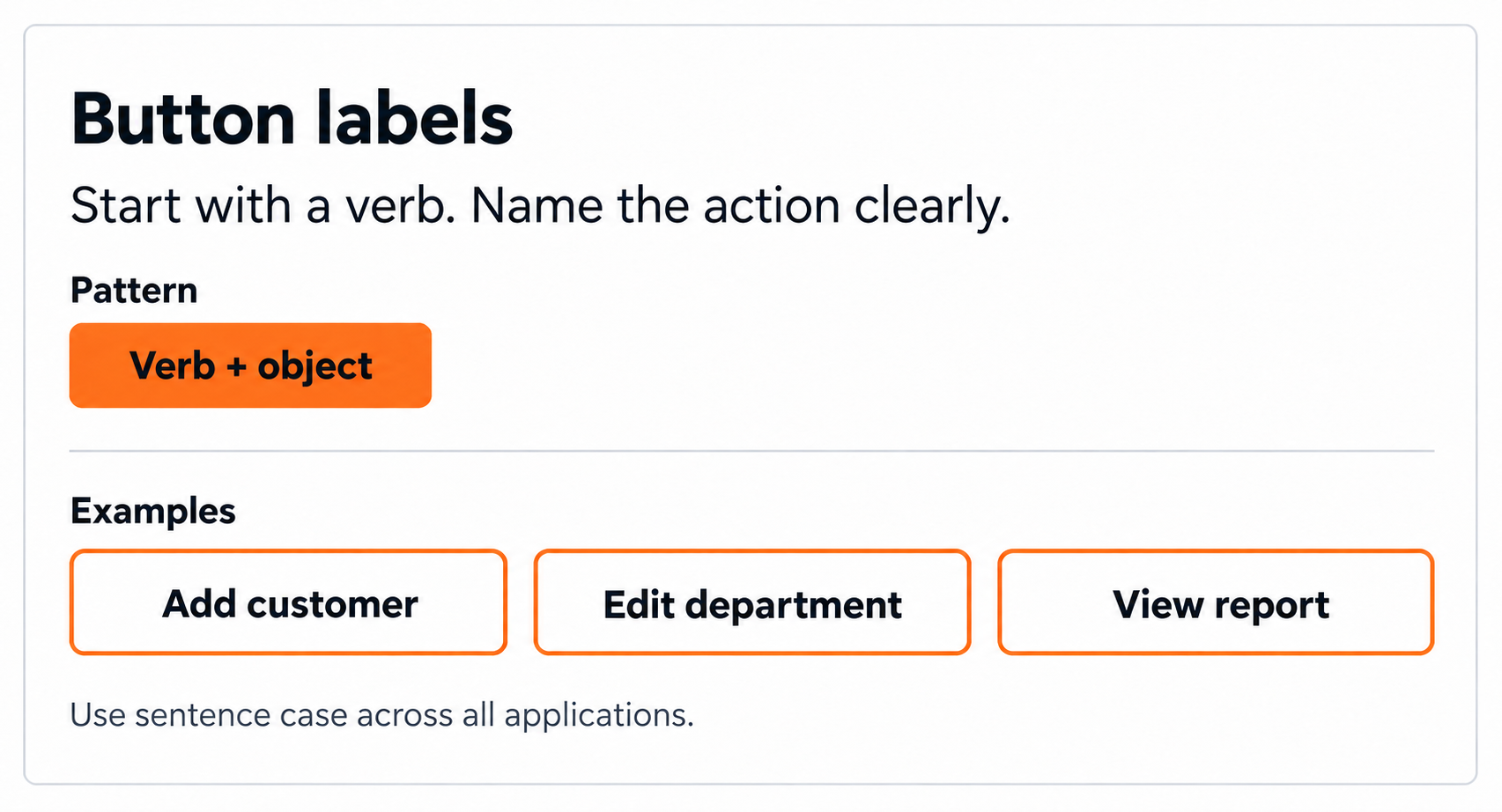
Reusable patterns, terminology standards, voice and tone guidelines, and governance that create consistency at scale.
Writing choices
Before-and-after examples showing how I clarify complex information, refine wording, and create consistency, with the reasoning behind each change.